It's a Monday morning and nobody can get to work. Not because the office is closed, not because the internet is down — the internet is fine. People are staring at a login box that keeps spinning, then erroring, then asking them to set up multi-factor authentication again, which also fails. Email is unreachable. The chat app won't open. The finance team can't get into the system that cuts payroll.
This isn't a hypothetical. On June 1, 2026, Microsoft worked through an incident — tracked internally as MO1329260 — where the page people use to manage their sign-in security started returning "504" errors, the web's way of saying "the thing behind this door didn't answer in time." Anyone in the middle of setting up MFA (multi-factor authentication — the second step, like a code on your phone, that proves you're really you) was simply stuck. Five months earlier, on January 21–22, 2026, a broader Microsoft 365 disruption knocked over Outlook mail, Teams, and several security consoles at the same time. And on June 22, 2026, Okta — the company a huge share of businesses use as their single front door to every app — logged an outage of its own.
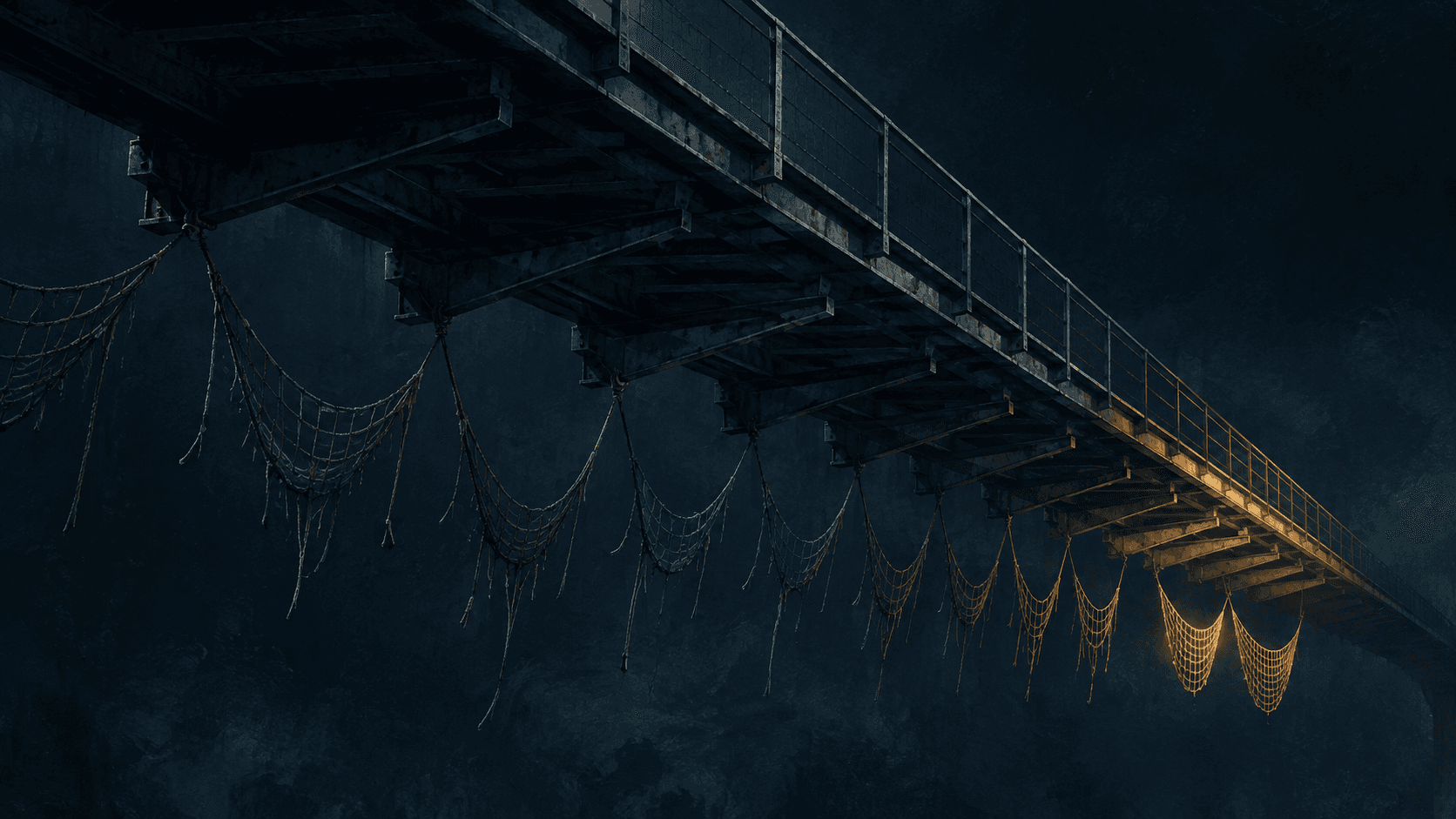
Here's the uncomfortable part. None of those companies got hacked that day. The locks worked perfectly. The problem is that for most organizations, the lock on the front door is now the only door — and when it jams, everyone is locked out at once, from the inside.
So what do you do when the system that decides who's allowed in is also the system most likely to take your whole company offline — or to be quietly handed to an attacker?
What Actually Happened — and Why It Keeps Happening#
For years, "identity" was a feature you switched on and forgot about. You bought Microsoft 365 or Google Workspace or Okta, everyone got a username, and that was that. What changed — quietly, over about five years — is that identity stopped being a feature and became the foundation. Almost every app your company touches now logs people in by asking that one identity provider, "Is this person who they say they are, and are they allowed?" That convenience has a name: single sign-on, or SSO — one login that opens everything, the way one hotel keycard opens your room, the gym, and the parking garage.
The keycard is wonderful right up until the front desk's system goes down. Then the card opens nothing, and there's no backup card.
The Outages: When the Front Desk Goes Dark
Think of an identity provider as the front desk of a very large hotel. Every door in the building checks with the front desk before it opens. When the front desk is working, this is great — one place to grant access, one place to revoke it. When the front desk's computer freezes, every door in the building stops opening, all at the same moment. That is what a 2026 identity outage looks like in practice. The Microsoft incidents in January and June, and Okta's in June, weren't breaches. They were the front desk freezing. The June one was eventually traced to a configuration change to a cache (a cache is just a shortcut store of recent answers, so the system doesn't have to recompute the same thing over and over) — and to the cleanup attempts that shifted traffic onto backup machinery that then strained under the load.
The honest footnote: these outages were measured in hours, not days, and on average these big providers are more reliable than most companies could ever be running their own login system in a back room. That's real, and I'm not going to pretend otherwise. The danger isn't that identity fails often. It's that when it fails, it fails for everyone you employ, in every app, simultaneously — and almost nobody has practiced what to do in that hour.
The Thefts: When MFA Stops Being Enough
Now the other failure mode, and this one is sneakier. The big story in security this year isn't password guessing — we mostly solved that with MFA. The big story is that attackers stopped trying to break in and started borrowing the receipt.
Here's the mechanism in plain terms. When you log in and pass your MFA check, the system hands your browser a little token — think of it as a wristband at a festival. The wristband says "this person already showed their ID at the gate, let them move around freely." For the rest of the day, you don't get carded again; the wristband is enough. A session token works the same way: it's proof that you already completed login and MFA, so the apps stop asking.
Attackers figured out that if they steal the wristband, they don't need your ID at all. They don't need your password. They don't need to pass MFA — because the wristband is the proof that MFA already happened. The most common way they grab it is "adversary-in-the-middle" phishing: a fake login page that sits invisibly between you and the real one, lets you log in and pass MFA for real, and quietly copies the wristband on the way through. This year, Microsoft, Cisco's Talos research group, and CISA (the U.S. government's Cybersecurity and Infrastructure Security Agency) have all named token theft the dominant identity attack of the year. And because so much runs through SSO, one stolen wristband can open dozens of connected apps, not just one.
The Mandate: The Industry Admitting Login Is the Crown Jewel
The third thing that happened in 2026 is that Microsoft started forcing the issue. It is phasing in mandatory MFA across its admin tools on a hard timeline: access to the Azure and Entra admin centers was locked behind MFA back in March 2025; the command-line and automation tools followed, with a postponement window for complex setups running to July 1, 2026; and on February 9, 2026, MFA became mandatory just to sign in to the Microsoft 365 admin center — after that date, an administrator without MFA is fully locked out of administering the company.
Read those three threads together and the pattern is unmistakable. Identity is now so central that the platform vendors are requiring you to harden it, attackers have made it their primary target, and a single provider hiccup can stop your whole business. That's not three separate stories. That's one system carrying three kinds of weight it was never stress-tested for.
When the Only Door Is Also the Lock#
Every resilience playbook tells you the same thing: don't have a single point of failure. Have a backup. Have a second region, a second vendor, a second path. It's good advice. It just quietly stopped applying to the one system it matters most for.
Consider who went down together during these identity events. It isn't only the obvious — email and chat. It's the help desk system (so people can't even file a ticket to say they're locked out), the VPN that gates the internal network, the HR platform, the finance and payroll tools, the customer-support console, and increasingly the building badge and video systems — all of which now authenticate through the same identity provider. They didn't fail independently. They failed because they all asked the same front desk the same question and got no answer. The blast radius of an identity outage is "everything that requires a login," which in 2026 is very nearly everything.
And here's why the standard advice doesn't fully rescue you. "Use multi-cloud" doesn't help if both clouds federate logins through the same identity tenant. "Have redundancy" doesn't help if your redundancy all checks in with the same front desk. You can run the most beautifully distributed, multi-region architecture in the world, and if every node of it asks one identity provider for permission, you've built a system with one heart. The redundancy is real everywhere except the place it counts.
We spent a decade making the front door harder to pick. We forgot that if the front door is also the only door — and it jams — the whole building is locked, from the inside.
This isn't a reason to abandon SSO or cloud identity. The centralization is genuinely more secure and more manageable than the password-sticky-note world it replaced. It's a reason to treat identity the way you'd treat any system that, if it stops, stops everything: with a tested fallback, with monitoring, and with the humility to assume it will have a bad day.
What This Means for Your Company — and It Depends on Your Size#
The same week of identity trouble lands very differently on a 5,000-person enterprise than on a 30-person shop. Here's the honest version for each.
Large Enterprises (1,000+ Employees)
Your pain is blast radius and the illusion of redundancy. You probably have a mature security team, a real budget, and an architecture diagram that looks resilient — multiple regions, multiple data centers, maybe even multiple clouds. The trap is that it likely all funnels through one identity tenant. When that tenant has an outage, your beautiful redundancy doesn't save you, and your board and regulators will ask, pointedly, why a few hours of one vendor's downtime froze a regulated workflow.
On the attack side, your exposure is the pivot. A single stolen session token from one mid-level employee can move laterally across every SSO-connected application you own, and you have hundreds. The good news is you have the tools to fight this — short token lifetimes, continuous access evaluation (the system re-checks whether a session should still be trusted instead of trusting the wristband all day), and session-anomaly monitoring. The bad news is these are configuration choices someone has to actually own and tune. The work isn't buying something. It's assigning a name to "who is responsible for identity resilience" and giving them authority over both the security team and the platform team, because this problem lives in the seam between them.
Mid-Size Companies (100–999 Employees)
You're in the squeeze. You have one cloud identity provider, a lean IT team of maybe five to fifteen people, and a CFO who just approved a "security initiative" and expects results. Your version of the outage pain is total and immediate: one provider, no second path, and when it's down the whole company is down until the vendor fixes it. You have the budget to do better; what you usually lack is the headcount to build and rehearse a fallback.
On the attack side, your specific risk is false comfort. You turned MFA on — good, genuinely — and you reasonably assumed the job was done. But you very likely don't have the logging to see a replayed session token, which means a token-theft intrusion can run for weeks without tripping anything. The fixes here are mostly configuration, not procurement: move to phishing-resistant sign-in, shorten how long a session stays valid, and turn on the sign-in logs you're already paying for and actually route them somewhere a human looks. None of that needs a new contract. It needs an afternoon and a decision.
Small Companies (Under 100 Employees)
Your pain is leverage and awareness. You have no sway over Microsoft or Google or Okta — when their front desk freezes, you wait, same as everyone, except you may not even realize why nothing works because "everything logs in through Microsoft" was never a conscious decision; it just happened. And you almost certainly have no second path, because a second identity vendor feels like a luxury when you're running lean.
But small has one real advantage: you're nimble, and the highest-leverage moves are free. The single most important thing you can do is make sure that if your identity provider has a bad day — or the new MFA mandate locks out your one admin account — you are not completely stranded. That means a second emergency administrator account, set up correctly and stored safely, so the very security you switched on doesn't become the thing that traps you out. After that, turn on passkeys or another phishing-resistant sign-in option, which most providers now offer at no extra cost, and which is the closest thing there is to a real defense against the stolen-wristband problem. One person can do all of this in a week.
What to Do Monday Morning#
You don't need a budget or a consultant to start. You need a couple of hours and the willingness to ask, out loud, "what happens when login breaks?" Here's the order I'd go in.
- Run a five-minute "front desk freezes" thought experiment with your team. Out loud, in a meeting: if our identity provider went down right now, what could we still do, and how would we even tell people, given that the chat and email we'd use to tell them are also down? You will learn more from the awkward silence after that question than from any vendor pitch. This is free and it's a conversation, not a technical change — and it's the one that surfaces every gap below.
- Create at least two emergency "break-glass" admin accounts — and test them. These are accounts you can use to get back into your identity system when the normal path fails, including when an MFA mandate would otherwise lock you out. Set them up per your provider's guidance, store the credentials somewhere genuinely safe and offline, and actually log in with one this week. An untested break-glass account is a rumor, not a plan. This is free.
- Turn on phishing-resistant sign-in (passkeys / FIDO2) for your admins first, then everyone. This is the one change that meaningfully blunts the stolen-token attack, because there's no reusable wristband to steal in the same way. Most providers include it at no extra cost. Start with the handful of admin accounts — they're the highest-value targets — then roll it out broadly.
- Shorten how long a login stays valid, and turn on continuous re-checking if you have it. A session that stays trusted for thirty days is a wristband an attacker can wear for a month. Shortening session lifetimes and enabling "re-check this session" features (Microsoft calls it Continuous Access Evaluation) means a stolen token expires or gets challenged far sooner. This is a settings change, not a purchase.
- Route your sign-in logs somewhere a human actually reviews. You are almost certainly already collecting authentication logs. The gap is that nobody looks at them until after something goes wrong. Send them to wherever your team already watches alerts, and set one simple tripwire — an impossible-travel login, a session token used from a new country — that pages someone. Seeing a replayed token is the whole game.
- Write down your identity providers and what depends on them. One page. List your identity provider(s), then every critical system that authenticates through them. The first time most leaders see that list, the phrase "single point of failure" stops being abstract. You can't manage a concentration risk you've never written down.
- Put the relevant 2026 deadlines on a calendar. If you're a Microsoft shop, the mandatory-MFA enforcement dates are real and have a hard edge — the February 9, 2026 admin-center enforcement already passed, and the automation-tools postponement window closes July 1, 2026. Confirm your admin and service accounts are compliant so the mandate hardens you instead of locking you out.
If You Want a Place to Start#
If you read that list and realized you don't have a tested fallback for the one system everything depends on, that's worth a structured look — and there's a reference framework built exactly for it. NIST CSF 2.0 (the U.S. government's free, widely used cybersecurity framework) has a whole function for this — identity management, authentication, and access control — plus a recovery function that covers the break-glass and continuity questions above; a NIST CSF readiness toolkit walks a lean team through it without hiring a firm. If your concern is proving access controls to a customer or auditor, the same ground is covered by SOC 2's access-control criteria, and a SOC 2 readiness toolkit maps it out. And if you'd simply like a second set of eyes on your identity architecture before you find out the hard way, that's the kind of thing our advisory work exists for. All of that aside: this post is independent of those offerings — the seven actions above stand entirely on their own, and most of them are free.
The Uncomfortable Truth#
So, back to the question at the top: what do you do when the system that decides who's allowed in is also the one most likely to take your company offline or be handed to an attacker? You stop treating it as plumbing and start treating it as the most critical system you run — because that's what it quietly became while everyone was looking at firewalls. You build a tested way back in for when it's down, you make the wristband far harder to steal, and you write down what depends on it so the concentration risk is visible before it's a crisis.
Over the next year, I expect identity to keep absorbing weight — more apps behind SSO, more mandates forcing it to harden, and more attackers treating the session token as the prize. The companies that come through the next identity outage or token-theft intrusion calmly won't be the ones with the biggest security budgets. They'll be the ones that, on some ordinary Monday, took two hours to ask "what happens when login breaks?" and then actually fixed the first three answers.
That two hours is the cheapest resilience you'll buy all year. I'd spend it this week.
— Charles Redding
About the author
Charles Redding
Founder of DLegendDigital. 35+ years of enterprise technology leadership across audit, risk management, cybersecurity, and AI. Former CIO, VP of Technology, and Director at organizations ranging from high-growth startups to $4.3B global enterprises.